A points program treats every customer the same. A tier program adds levels, so the people who spend the most with you earn faster and can see it. This guide covers how tiers work, how to pick thresholds that fit your store, and how to set them up with Wren Loyalty Pro.
Why tiers work
- They give regulars a goal. "120 points to Gold" is a clear reason to place the next order with you rather than somewhere else.
- They reward the right people. A small share of customers often brings in a large share of sales. Tiers put more of your reward budget where it earns the most.
- Status feels good. A badge on the account page costs you nothing, and customers notice it.
How tiers work in Wren Loyalty Pro
VIP tiers are a Pro feature. Pro starts at $49 a year; see pricing. Each tier has four parts:
- Name and color, shown as a badge on the customer's My Account rewards page.
- A starting point: lifetime points or lifetime spend, depending on the basis you choose.
- Earn multiplier: 1.5 means the customer earns 1.5 times the normal points on every order.
- One-time bonus: points added once, the first time a customer reaches the tier.
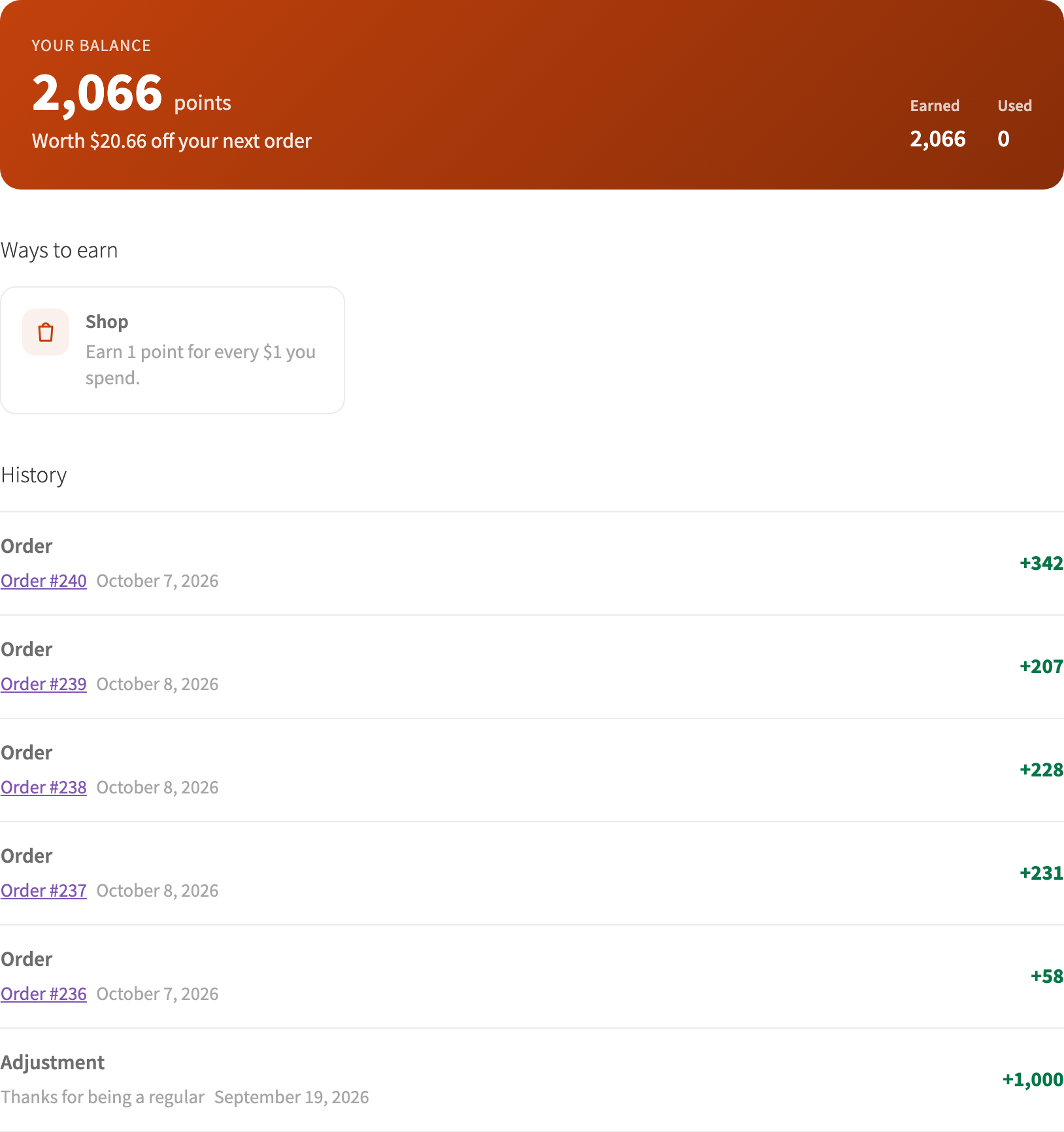
Customers get the highest tier they qualify for, and they move up on their own as orders complete. Their rewards page shows their tier and their progress to the next one.
Step-by-step setup
- Install Pro next to the free Wren Loyalty plugin. A Tiers tab appears under WooCommerce → Loyalty.
- Choose how customers qualify. Under Customers qualify by, pick Lifetime points (points earned over time, less refunds) or Lifetime spend (paid orders, less refunds). Spending points never moves anyone down.
- Edit the tiers. Wren starts you with three: Bronze from 0 with no multiplier, Silver from 1,000 with 1.25× and a 100-point bonus, and Gold from 5,000 with 1.5× and a 500-point bonus. Rename them and change the numbers to fit your store.
- Check the ladder. The How customers see it card shows the tiers from lowest to highest with their badges.
- Turn on "VIP tiers are active" and save. Existing customers are placed into their tiers in the background.
- Review the email. Pro adds a Loyalty tier reached email under WooCommerce → Settings → Emails. Edit the wording or turn it off there.
Picking thresholds
The defaults assume lifetime points. At the free plugin's default of 1 point per $1, Silver at 1,000 points means $1,000 spent. That is far too high for many small stores. Start from your own numbers instead:
- Find your average order value and how often a good customer orders.
- Put the second tier where a loyal customer lands after about 4 to 6 orders.
- Put the top tier where only your best customers will reach it, often 3 to 4 times the second tier.
For a store with a $60 average order, using lifetime spend, that could look like this:
| Tier | Lifetime spend from | Earn multiplier | One-time bonus |
|---|---|---|---|
| Member | $0 | 1× | 0 |
| Silver | $300 | 1.25× | 100 points |
| Gold | $1,000 | 1.5× | 300 points |
Remember that multipliers raise your cost. If your base program gives 2% back, a 1.5× tier gives 3% back on that customer's orders. Bonus campaigns stack too: a Gold member at 1.5× earns 3× during a double points campaign. Multipliers apply to points from orders, not to fixed bonuses like review or birthday points.
Built-in protections
- Bonuses can't be farmed. Tier bonuses don't count toward the next tier, and each bonus is given once per customer.
- Refunds are handled. If refunds drop a customer below a tier, the bonus for that tier is taken back. If they reach it again, they earn it again, but never hold it twice.
- Editing tiers is quiet. When you change tiers, customers are moved without bonuses or "new tier" emails. Only customers who reach a tier through their own activity get those.
Mistakes to avoid
- Too many tiers. Three is plenty. More levels make each one feel less special and harder to explain.
- A top tier nobody reaches. If no one gets there in a year, customers stop trying. Check the counts on the Tiers tab after a few months.
- Big multipliers on thin margins. 2× sounds generous until you work out the cost. Run your numbers through the loyalty program calculator first.
- Keeping tiers secret. Tiers only change behavior if customers know about them. Mention them on your rewards page and in your emails.
FAQ
Do customers ever move down a tier?
Not by spending points. Tiers are based on lifetime points earned or lifetime spend, so the only thing that lowers them is a refund or cancellation. Tiers don't reset each year.
Do points from imports or birthdays count toward tiers?
With the Lifetime points basis, yes. Points earned from orders, reviews, sign-ups, imports, referrals, birthdays and campaigns all count. Tier bonuses don't.
Can I try tiers without affecting customers?
Yes. Leave VIP tiers are active off while you set them up. When it's off, nobody earns tier multipliers and tiers are hidden from customers. Nothing is lost when you turn it off later.
See everything Wren Loyalty does, free and Pro.